
PC Building
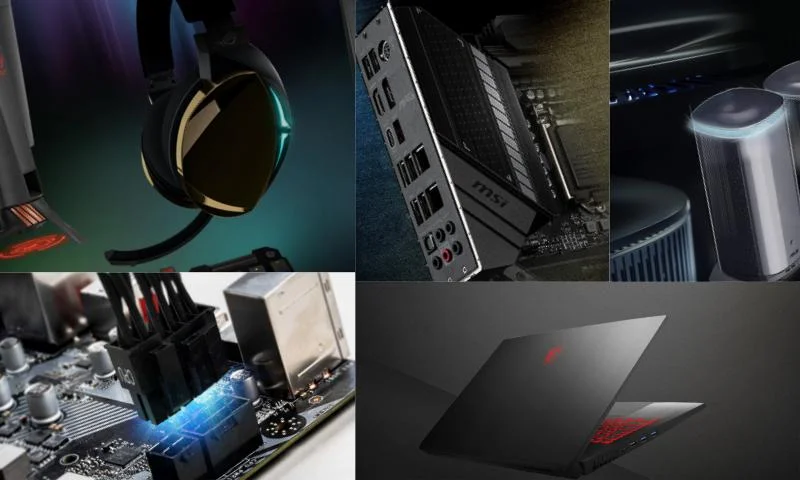
Computers, which are indispensable in our daily lives, are not pre-built systems assembled by computer manufacturing companies with good or bad hardware and components. Instead, they are unbranded systems created by assembling the hardware and components that make up a computer piece by piece. This process is called PC Building. Whether you buy a computer with a pre-built system where computer hardware and components are ready or by PC building, you should first decide based on the purpose of use and your needs. Some individuals prefer the PC building route because they have a lot of knowledge about computer hardware and components. You can examine the page for detailed information. However, those who do not have the same knowledge prefer to buy from computer brands.
Hardware and Components Required for PC Building
Processor: The PC building process begins by deciding which processor should be used. Processors should be chosen according to Intel and AMD. i5 is the most preferred in Intel, and Ryzen 5 is the most preferred in AMD. The processor choice must be made correctly. It will directly affect your motherboard choice. It will also affect the single and multi-core speed and the amount of cache memory. Graphics Card Selection: If you are building a gaming computer, the brand and model should be chosen according to the area of use, such as for those who use intensive graphics like drawing computers. Pay attention to GPU data. The graphics card must have a built-in graphics card and sound card. Motherboard Selection: It is the most important component among computer hardware. The processor is not bought according to the motherboard. The motherboard should be bought according to the processor. RAM Memory Selection: The selected RAM memory models must be compatible with the motherboard's frequency. SSD Selection: Solid State Drives are new-generation data storage devices with high read and write speeds. Power Supply PSU Selection: After calculating the power the hardware will consume, it should provide the appropriate Watt value. It would be correct to prefer at least an 80 Plus power supply. Case Selection: A Mini tower or Midi tower case suitable for the selected motherboard should be chosen.